Every new assortment and every new supplier starts with a list. But you can only sell a complete product. In between lies manual work: searching manufacturer sites, copying data sheets, creating attributes and categories, preparing data for every channel. The bigger the assortment, the longer products sit idle. PIM Studio takes over this work, your team reviews the result.
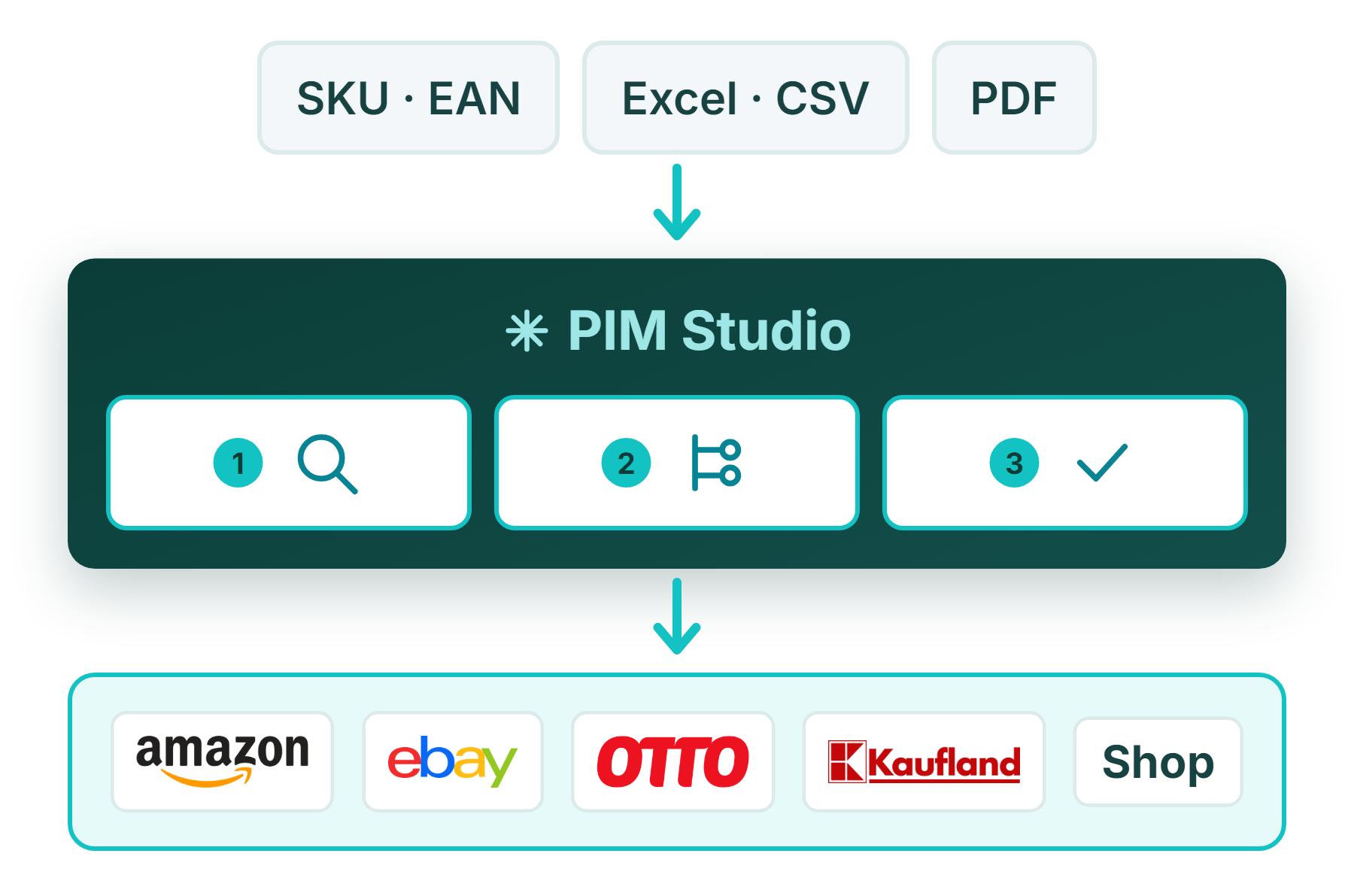
Product names, item numbers or EANs become complete products. PIM Studio finds reliable sources such as manufacturer sites, takes over attributes and variants and shows how certain each value is. No more searching product by product.
A new supplier sends data as an Excel sheet, PDF or catalog. PIM Studio derives attributes and categories from it and links them the way your spreadsheets already describe. Existing attributes stay untouched.
Reviewed products go from the same session to your connected channels, whether marketplace, web shop or ERP. From source file to sales channel, it is one continuous flow.
You decide how independently PIM Studio works. In Auto mode everything runs through, in Manual mode it only asks when something is unclear.
Before the import you see all results at a glance and remove what does not fit.
Large assortments run in the background. You are notified when a decision is due or everything is done.
Your team works in shared sessions. Whoever takes over sees right away what is already done.
For retailers and manufacturers who regularly add new products or suppliers and so far search, copy and assign the data by hand.
No. PIM Studio builds attributes and categories from your existing files. Where a data model already exists, it only adds what is missing.
In Manual mode you confirm the import yourself. In Auto mode PIM Studio decides, and every step stays traceable in the session history. Existing attributes and categories are never overwritten.