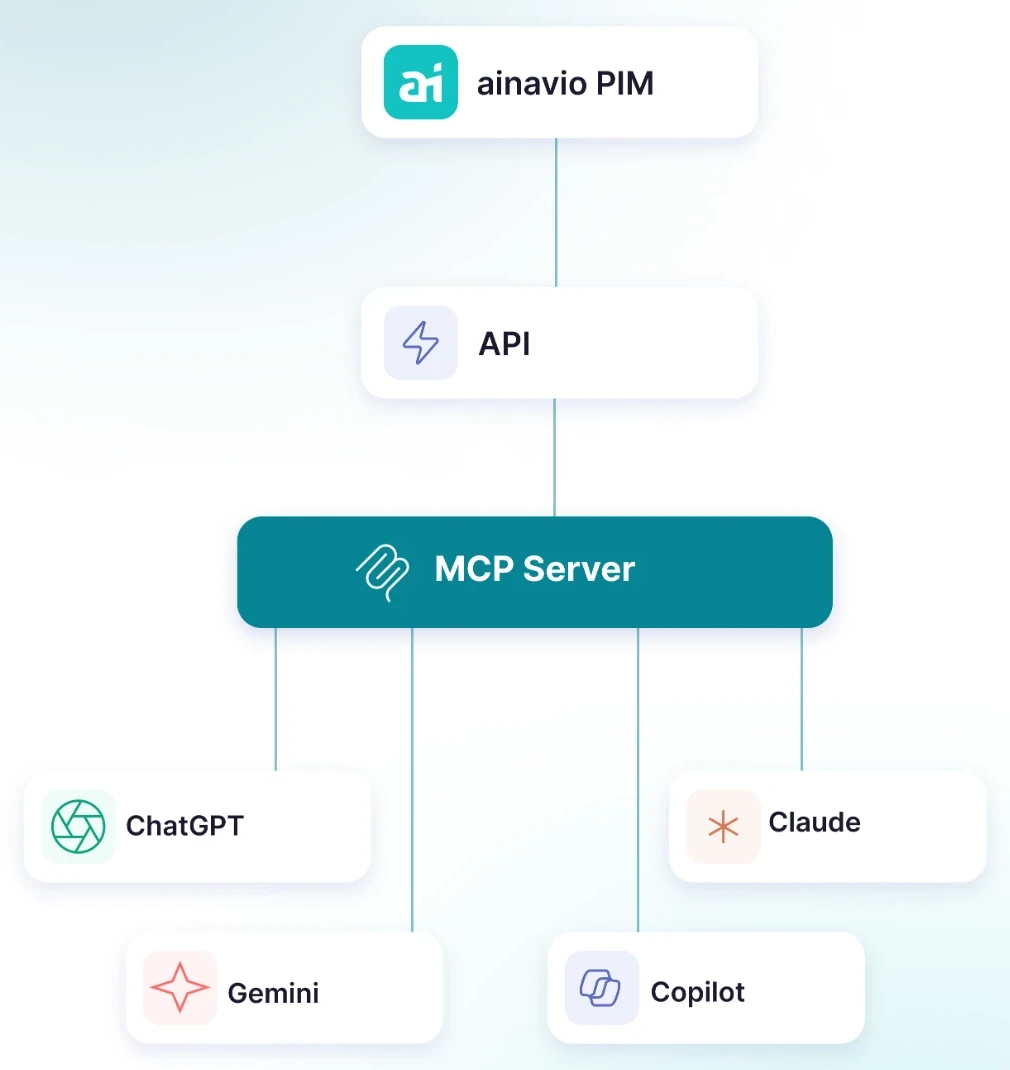
Your product data lives in the PIM. Your questions go into the chat. Until now that meant copying, pasting, checking and copying back. With ainavio, the two connect directly.
Write changes do not reach the live catalogue directly. They land as drafts in the PIM and are released there. What your account may not see in the PIM, the assistant cannot see either.
Write access requires the PIM rights Create and Update in a user group. An administrator handles setup.
1. Set up once: your administrator adds ainavio as a custom connector to your AI assistant, such as Claude. 2. Sign in via OAuth with your ainavio account. 3. Get started: ask your first question in the chat.
Attribute keys are case-sensitive: Description and description are different attributes.
Unknown keys are dropped. Check your keys before the first write.
Category values require the ~ prefix. The full guide is in the documentation.
Five tools: ping, list_tenants, find_products, get_product and update_product_attributes (drafts only). The assistant picks the right one itself.
Documented is the connection to Claude as a custom connector. The integration follows the open MCP standard.
No. update_product_attributes writes drafts only. Approval happens in the PIM.
An administrator sets it up. Permissions follow the user groups in the PIM.
Yes. You license the AI assistant from its provider. ainavio provides the product data layer.